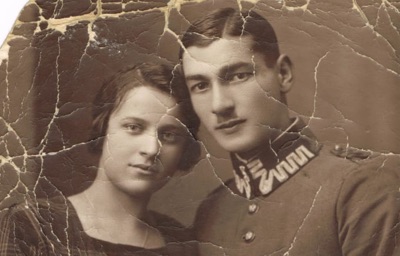
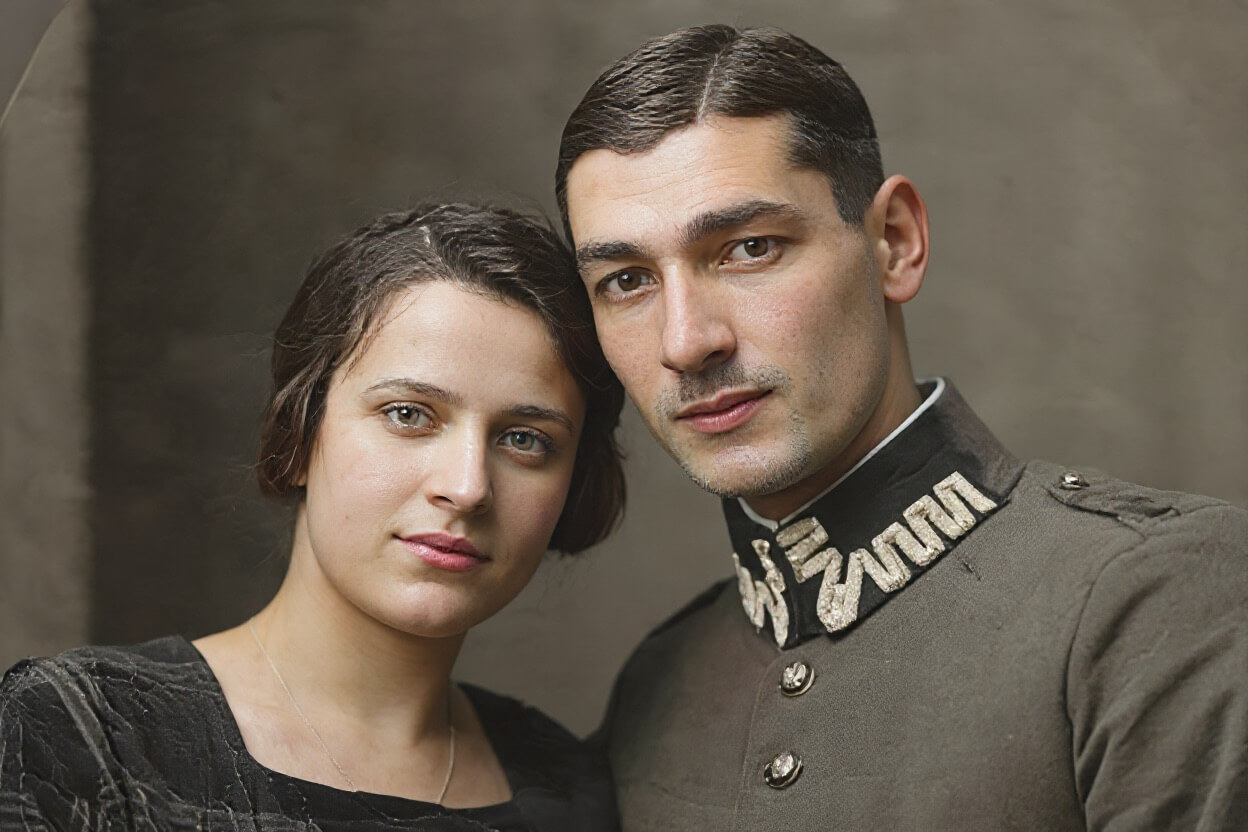
AI Old Photo Restoration repairs damaged, faded, and scratched photographs automatically — the tool reconstructs lost detail, corrects discoloration, and removes noise without any manual retouching. Upload a scanned or photographed print, choose an output format, and a restored version is typically ready within seconds. An inline before/after comparison slider lets you review the result immediately.
How scan quality directly affects restoration results
The same aging photograph scanned on a flatbed at 300 DPI and photographed with a phone in dim light will produce noticeably different restoration outcomes. When scanning:
- Start at 300 DPI; use 600 DPI when the print has fine detail or small faces
- Keep the print flat — curled edges cause localized blur that the model cannot fully correct
- Use even white light and avoid phone screen reflections on the photo surface
If you only have a phone photograph: shoot in bright, even light with the photo lying flat, keeping the phone parallel to the print to avoid perspective distortion.
What damage can be restored vs. what remains difficult
The model handles these well:
- Evenly distributed fading and yellowing
- Small scratches, fold lines, and scattered spots
- Light to moderate grain and noise
These cases have limited recovery:
- Large water damage or missing sections (damage covering more than about 30% of the image area)
- Out-of-focus blur or motion blur — the tool adds detail, but cannot pull focus back
- Severely obscured or blurry faces — the model reconstructs by inference, and the result may not match the original person
For photos with severe localized damage, crop to the best-preserved portion using a photo editor first, then upload. This typically produces a more stable result than submitting the full damaged image.
PNG vs. JPG output
- PNG: Lossless, best if you plan to reprocess, print, or archive long-term
- JPG: Smaller file size, suitable for sharing with family; multiple JPG re-saves accumulate compression loss
If the final use is printing or long-term preservation, choose PNG. For sharing, JPG is sufficient.