AI Talking Video turns a single character image and an audio file into a lip-synced talking video. Upload one JPG or PNG portrait and an MP3, WAV, M4A, or AAC voice recording, pick a resolution, and the tool maps audio phoneme timing onto the face to produce an MP4 output. Audio is capped at 60 seconds per generation.
Which images produce the best lip sync
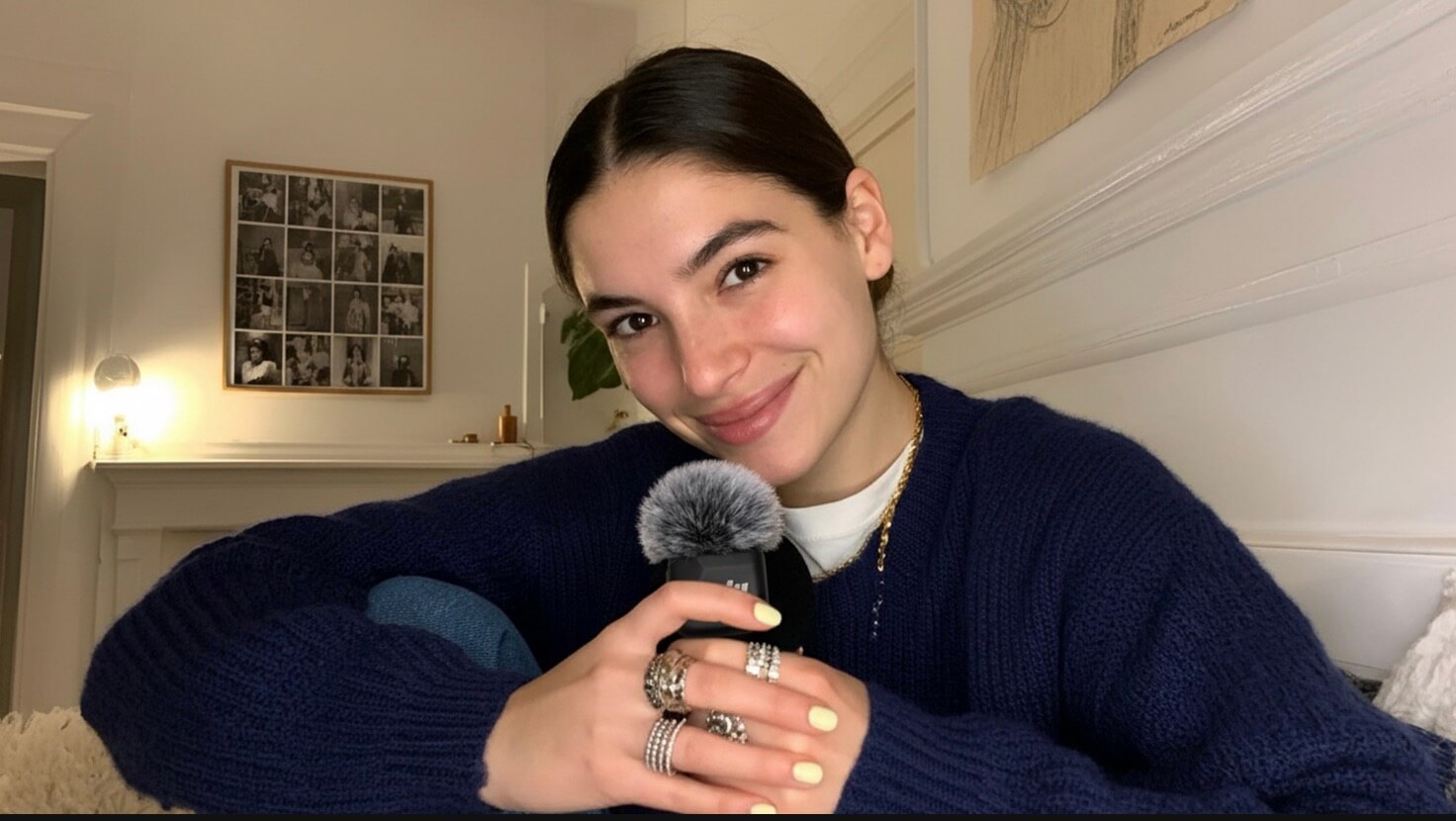
Face size in frame is the single biggest factor. The larger and more forward-facing the face, the more accurate the mouth movement mapping. Portraits that work well:
- Front-facing or slight angle (under 30°), single subject
- Face spans at least 40% of the frame width
- Even lighting, lips clearly visible and unobstructed
- No masks, hands, or objects covering the mouth
Extreme side profiles, small faces in crowd shots, and anything blocking the mouth area produce noticeably weaker lip sync — the model has less lip geometry to work with.
480p vs. 720p
480p
- Lower credit cost
- Faster turnaround
- Good for draft review, iteration, and social media test cuts
720p
- Higher credit cost
- Sharper facial detail in the output
- Better suited for final publish, ads, tutorial videos
A practical workflow: run 480p to confirm the lip sync and timing look right, then regenerate the same clip at 720p for the final version. Credits are calculated by audio duration multiplied by a resolution factor — you can see the exact estimate before submitting.
How audio quality affects lip sync
The tool drives mouth movement by analyzing phoneme timing in the audio. Background music and ambient noise interfere with that analysis and cause the lip motion to drift from the speech content.
- Use a clean voice-only recording with minimal background noise
- If the original has backing music, run it through a vocal separation tool first
- Moderate speaking pace with clear articulation produces the most stable results
What this tool is not suited for
The generation is based on a single static image, so large head movements, complex body motion, and scene cuts are outside what it can produce. It works best for short spoken-word content — product walk-throughs, character narration, brand spokesperson clips. It is not suited for multi-shot scenes, full-body action, or narrative sequences that require continuous motion beyond a talking head.