Overview
Generated by AI
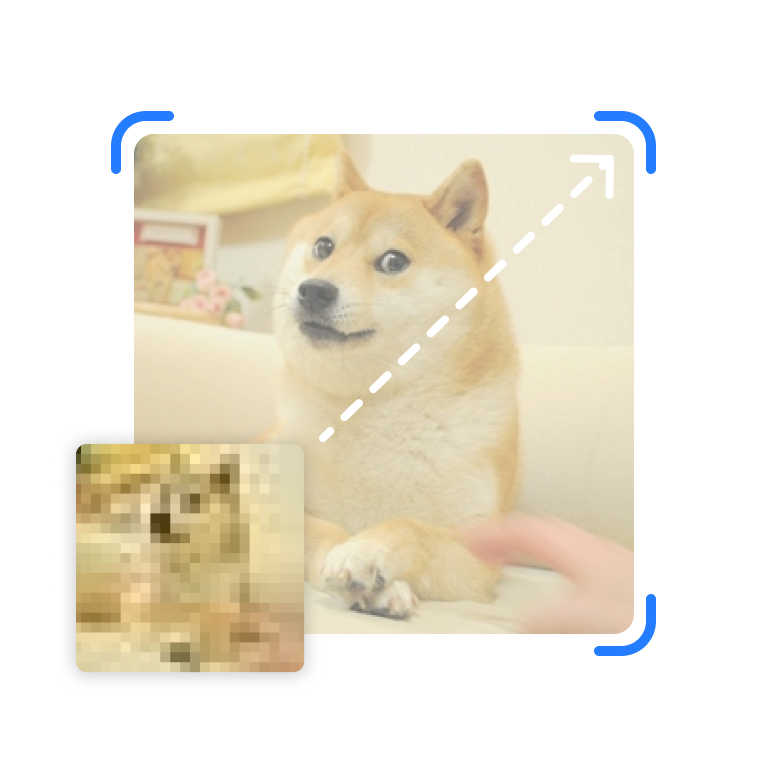
Enhance image resolution and quality using AI-powered upscaling technology.
The AI Image Upscale tool increases your image resolution while intelligently adding detail and preserving quality. Whether you need to enlarge photos for printing, enhance low-resolution images, or prepare assets for high-resolution displays, this tool offers multiple upscaling models optimized for different use cases.
Core Features
- 2x and 4x upscaling options (4x available with SwinIR only)
- Multiple AI models: SwinIR, Clarity, CCSR, SD Latent Upscaler
- Creative upscalers support prompt-based enhancement
- Multiple output formats: PNG, JPG, WebP
- Automatic input resizing for images exceeding size limits
Model Options
SwinIR
- Only model supporting 4x upscaling
- Best for general-purpose upscaling
- No creative settings; pure resolution enhancement
Clarity Upscaler
- 2x upscaling with creative enhancement
- Supports prompts for guided enhancement
- Adjustable strength and steps
CCSR
- 2x upscaling with style-aware enhancement
- Supports prompts and ControlNet weight
- Good for detailed textures
SD Latent Upscaler
- 2x upscaling with Stable Diffusion integration
- Supports prompts, steps, and CLIP skip
- Best for artistic enhancement
How to Use
- Upload Image: Upload the image you want to upscale. Images larger than 1MP (1,048,576 pixels) are automatically resized.
- Select Model: Choose based on your needs:
- SwinIR for standard upscaling or 4x enlargement
- Clarity, CCSR, or SD Latent for creative enhancement
- Choose Scale Factor:
- 2x: Doubles width and height (4x total pixels)
- 4x: Quadruples dimensions (SwinIR only)
- Configure Creative Settings (Creative upscalers only):
- Enter prompts to guide the enhancement
- Adjust steps and other parameters
- Select Output Format: PNG recommended for best quality.
- Generate: Click upscale and wait for the result.
Best Practices
- Use PNG format for best quality preservation
- SwinIR is the only model supporting 4x upscaling
- Maximum input size is 1,048,576 pixels (1MP); larger images are auto-resized
- For photos with fine details, try Clarity or CCSR with descriptive prompts
- Creative upscalers work best when you describe what details to enhance
Input Limitations
- Maximum input resolution: 1,048,576 pixels (approximately 1024x1024)
- Images exceeding this limit are automatically resized before processing
- Supported input formats: PNG, JPG, WebP, and most common image formats
Use Cases
- Print Preparation: Enlarge images for high-quality printing
- Photo Restoration: Enhance old or low-resolution photographs
- Asset Creation: Prepare images for high-DPI displays
- Detail Enhancement: Add clarity and sharpness to blurry images
- Artwork Scaling: Enlarge digital art while preserving quality
Notes
- SwinIR is the only model that supports 4x upscaling
- Creative upscalers (Clarity, CCSR, SD Latent) support prompts for guided enhancement
- Generation may consume credits based on model and settings
- Download upscaled images for permanent storage
Show more